
Company: Limbix is a digital therapeutics startup on a mission to make mental health treatment accessible to young people who need it the most, when they need it the most. In 2023, Limbix was acquired by digital therapeutics company, Big Health.
Product: SparkRx is a digital therapeutic that provides an evidence-based adjunct treatment intervention for adolescents aged 13-22 with symptoms of depression. SparkRx was offered for a limited time, at no cost to patients or providers, under the FDA’s Enforcement Policy during the COVID-19 public health emergency.
Designed with clinical experts in adolescent depression, SparkRx brings evidence-based treatment to each patient’s smartphone, delivering a multi-week program based on cognitive behavioral therapy (CBT) and behavioral activation protocols.
Role: At Limbix teams were organized into product development “pods” comprised of Product Management, Clinical Science, Content Design, Product Design, UX Research, Engineering and Data Analysis team members. I was the Content Design lead embedded on the Spark pod and worked collaboratively with these cross-functional partners.
The problem: While it is common practice to discuss goals and incorporate goal setting exercises at regular intervals in in-person therapy, it’s trickier to strike the same cadence in a mobile app. We introduced the concept of goal setting in SparkRx’s revamped onboarding experience and similar to in-person therapy, we knew we wanted to resurface goals again once users had experienced more of the program. The main issue now was determining where in the linear program goals should be resurfaced and in what capacity.
The goal: Remind users of their selected goal(s) at a relevant stage in the program to encourage motivation and engagement. The reintroduction of goals should be cohesive with existing program content. Clinical discovery indicated there were multiple touch points where goals could be reintroduced, but due to scope constraints we needed to narrow down our options. We also needed to determine the direction of the content and the appropriate accompanying design. We learned from user research conducted on the new onboarding experience that the five onboarding goals tested well with users – the goals themselves would be kept the same.
My contribution: Due to my limited bandwidth, I assisted a Senior Content Designer on this project, working closely with them and the product team, including the program’s clinical lead. I actively participated in the process, from ideation to execution of the solution. As the Spark pod’s content lead, I provided context and feedback to the Senior Content Designer on the project. The entire endeavor took about 4 weeks to complete.
The solution: After reviewing a few potential solutions internally, we determined that the best fit would be to resurface goals in Level 2 of the program where the concept of ‘values’ are also introduced to the user. We made the decision to teach the user about goals from the perspective of the program’s guide, Limbot. This is a method utilized at other stages in the program that has tested well with users and made it easier to blend the new content in with the existing.
- Transition: In order to tie goals to values, we created a transition from the previous activity (Up Activities) into goals
- Additional options: Then we give users the option to select a second goal, in addition to the one selected in onboarding. Users that selected the “I don’t know yet” goal in onboarding follow a separate path in the experience where they can now select up to two goals
- Overviews and establishing connections: Limbot then teaches the user about goals, values, and the connection between the two concepts
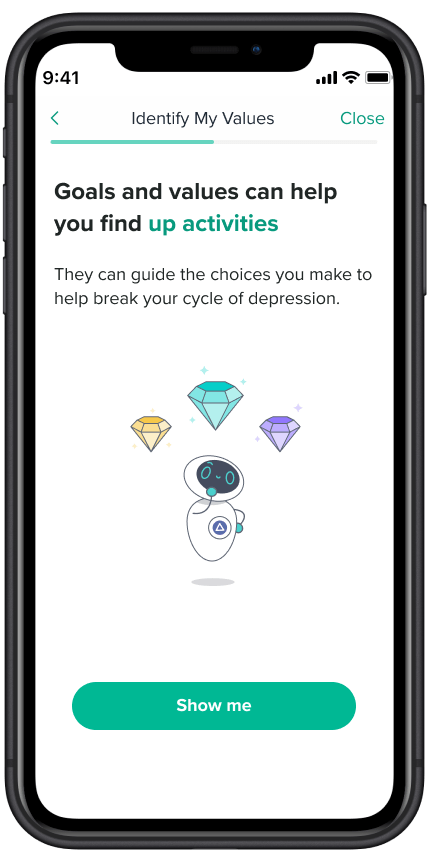
Revisiting Goals: After onboarding, the user does not see their goal until reaching Level 2. This screen ties goals with the previous activity in the level (Up activities) and serves as a transition into the next lesson and activity.

Flow #1: If a user selects a goal in onboarding other than “I don’t know yet”, they’re reminded of the goal they set at the beginning and can select another.
#1a: Or they can “Skip” and move forward with the one goal selected in onboarding.
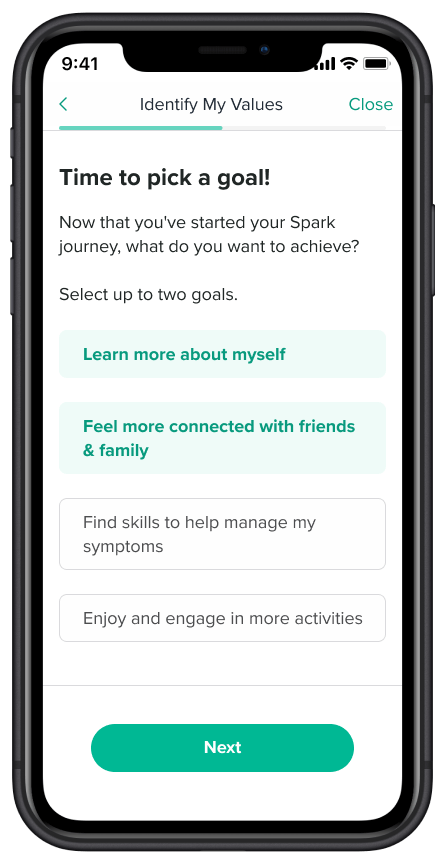
Flow #2: If the user selected “I don’t know yet” in onboarding, they can now select up to 2 goals.
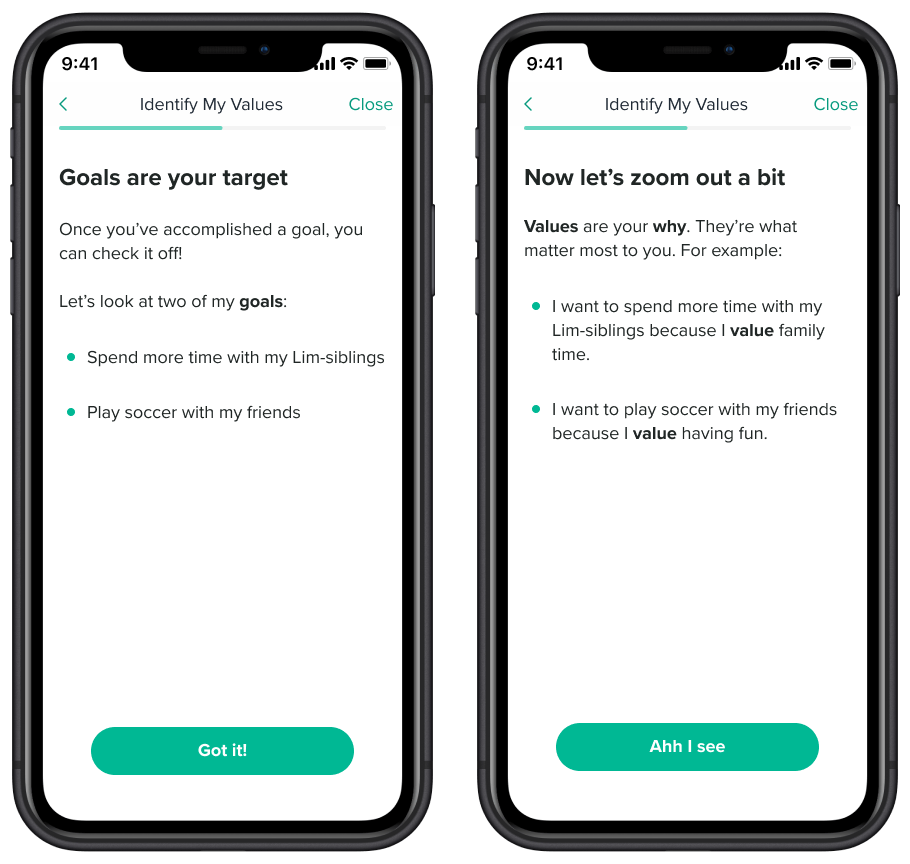
Goals Overview: An explanation of goals from the perspective of the program’s guide, Limbot. Limbot’s examples are meant to be relatable and inclusive of younger audiences.
Values Overview: An explanation of values using Limbot’s fictional experiences.
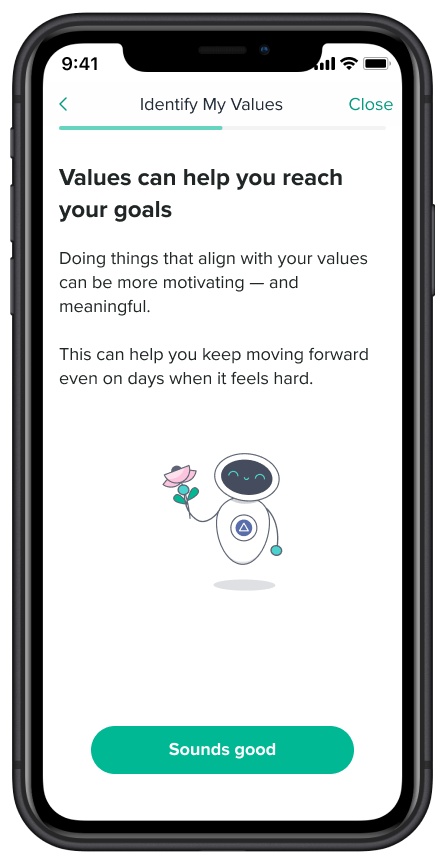
Values & Goals Connection: This screen ties values and goals to each other and sets up the next activity, selecting values.
 Tuba Karim